Tag: Behind The Scenes

  • Sharyland Water Supply

    Sharyland Water Supply

    Day 1

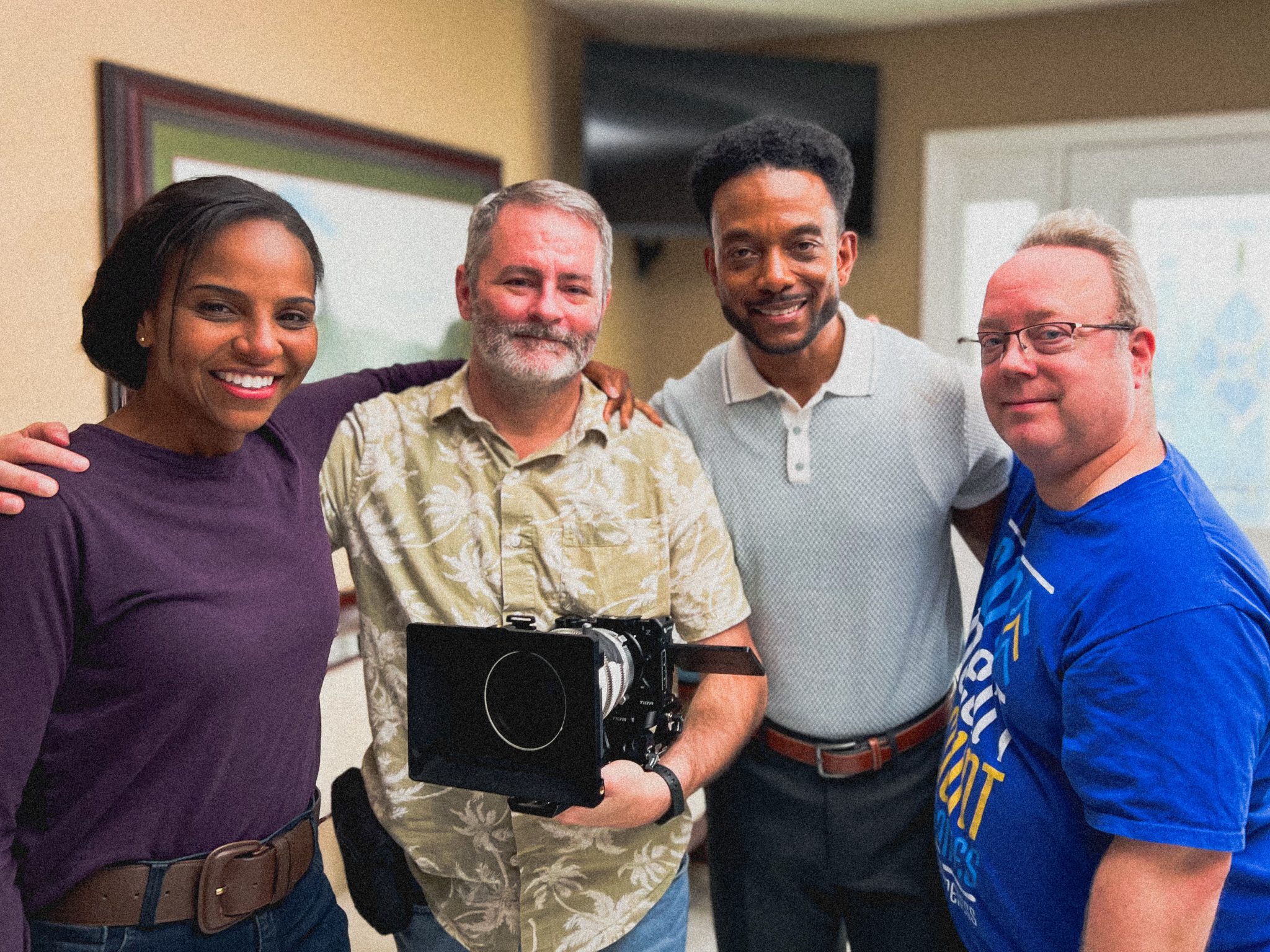
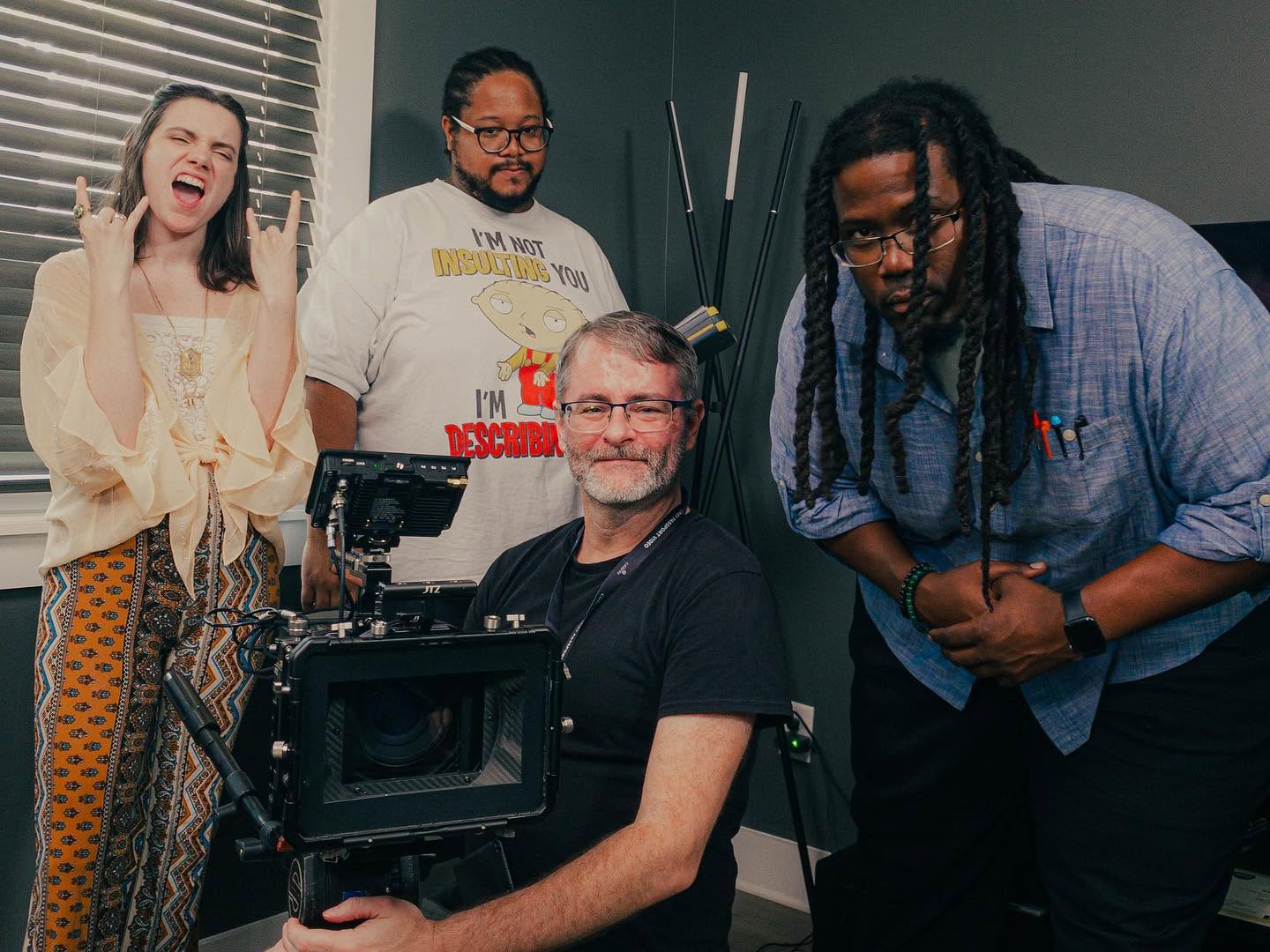
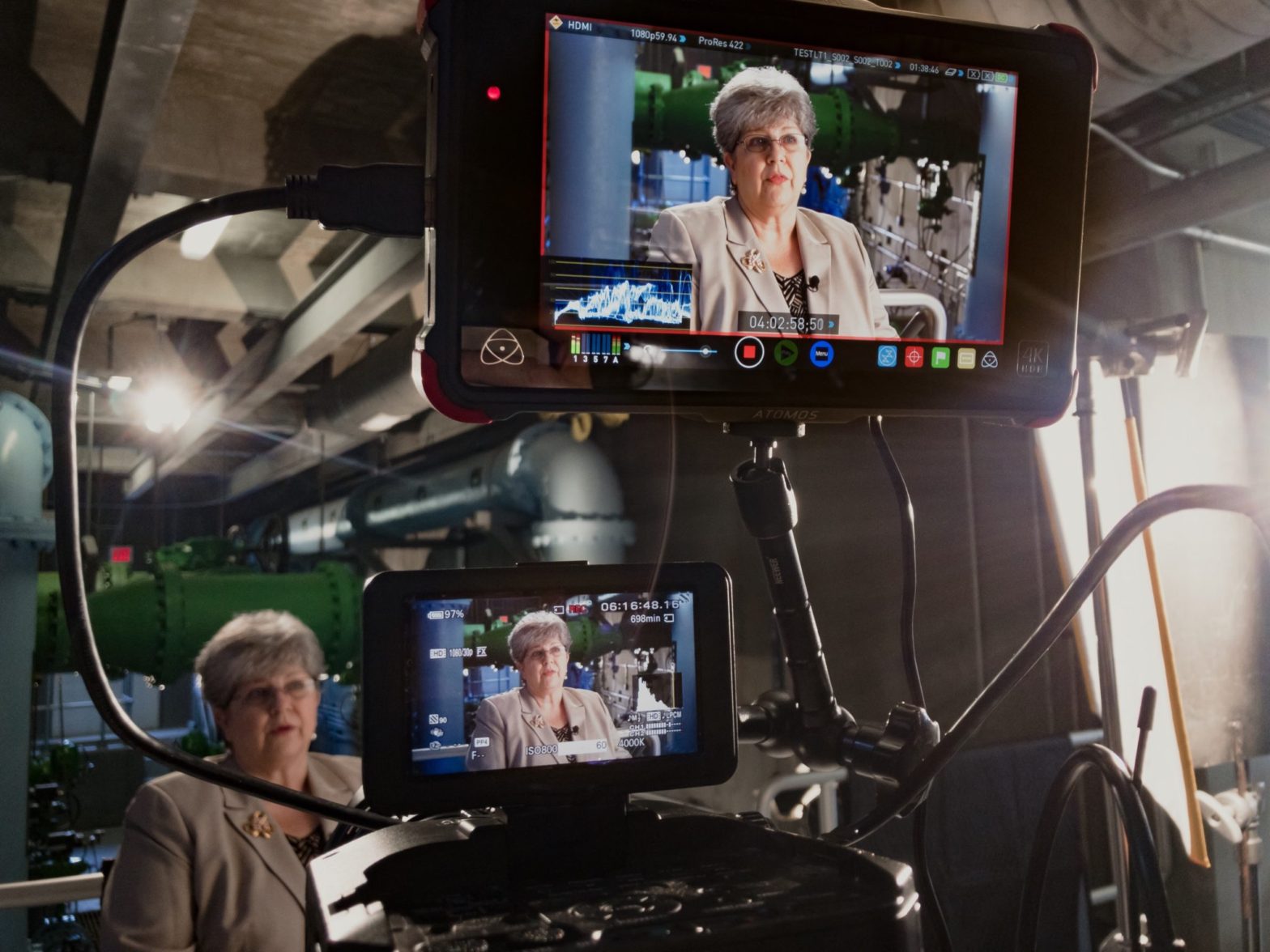
    I was hired by Damaso Creative to DP testimonials and B-roll footage for their upcoming corporate film for Sharyland Water Supply this past week. Shot with their FS100 onto Atomos Ninja Flame in and around Alton, Texas. Lenses were a combination of Rokinon cine primes and Sony E-mount zooms. Key grip was Juan Torres with his grip truck. Grip/PA: Cyndi Rios (also associate producer and talent wrangler) and Janie Martinez. Thanks to producer/director/editor Mario DeLeon for inviting me onto his project.

    Day 2

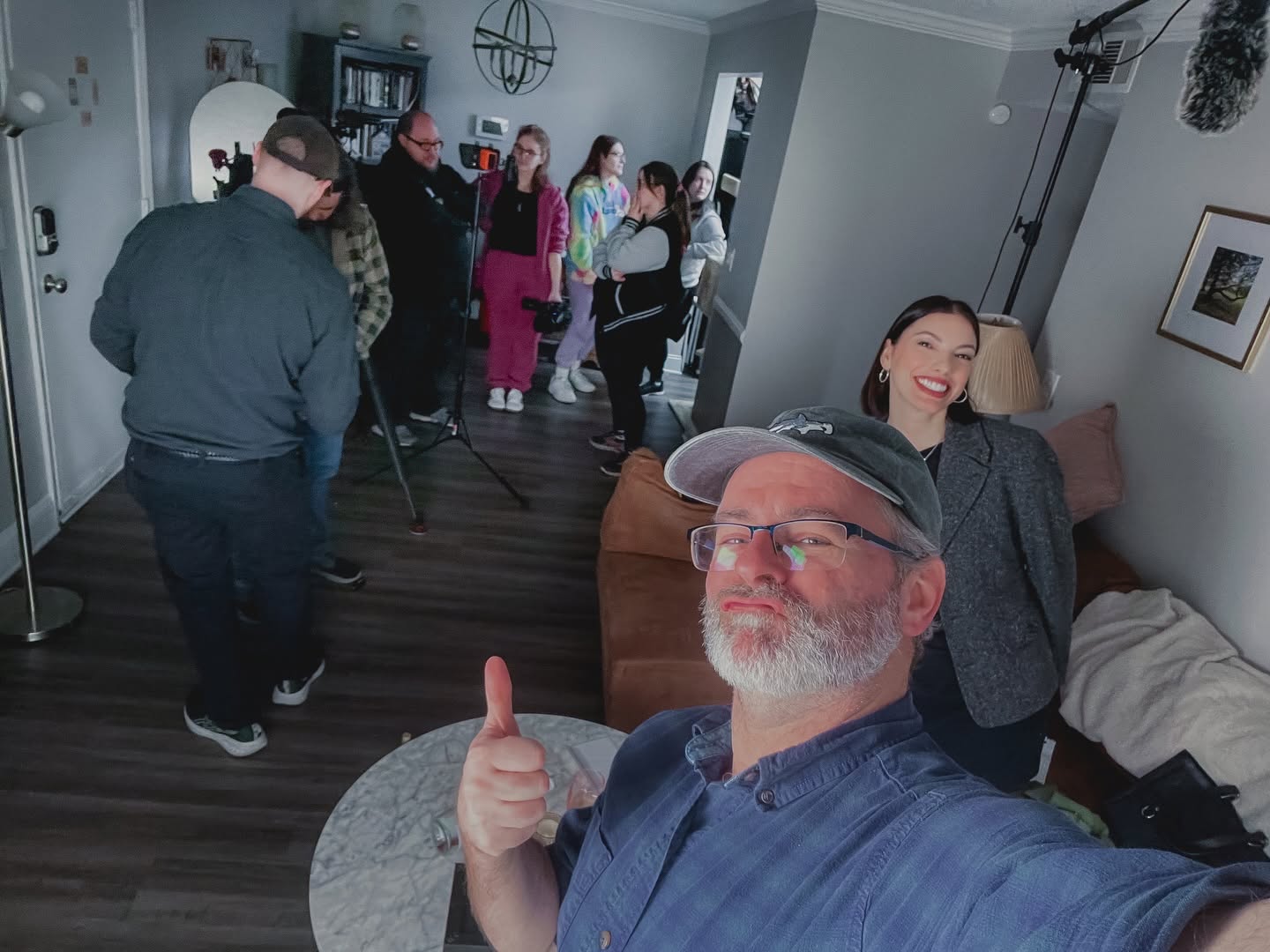
    Damaso’s in-house DP Manny Botello was back onboard yesterday as we travelled across the Texas towns of McAllen, Mission, Alton, and Sharyland, shooting narrator vignettes with talent Ivette Vargas. I was hired as gaffer this time. Juan was back as key grip with grip Carlos, and Cyndi returned as associate producer/PA. Mario was back again in the driver seat.

    Crew call time was 8 AM at Damaso Creative in McAllen. Because I live in Harlingen I had an hour commute so needed to be up by 6-6:30 AM. Traffic conditions en route become unpalatable by the time you reach the HWY 83/281 interchange in Pharr. The cars are just stopped.

    Our first location was a lovely historic mission situated a few hundred feet from the Rio Grande River separating Texas from Mexico.

    We were visited intermittently by the US Border Patrol and their very loud helicopter which kept interrupting audio takes. It also flew lower and slower over our heads each time! We think they were busy looking for someone.

    Second location was the original water plant in Sharyland. Because it was a wide shot, we had to wait for cloudcover before rolling.

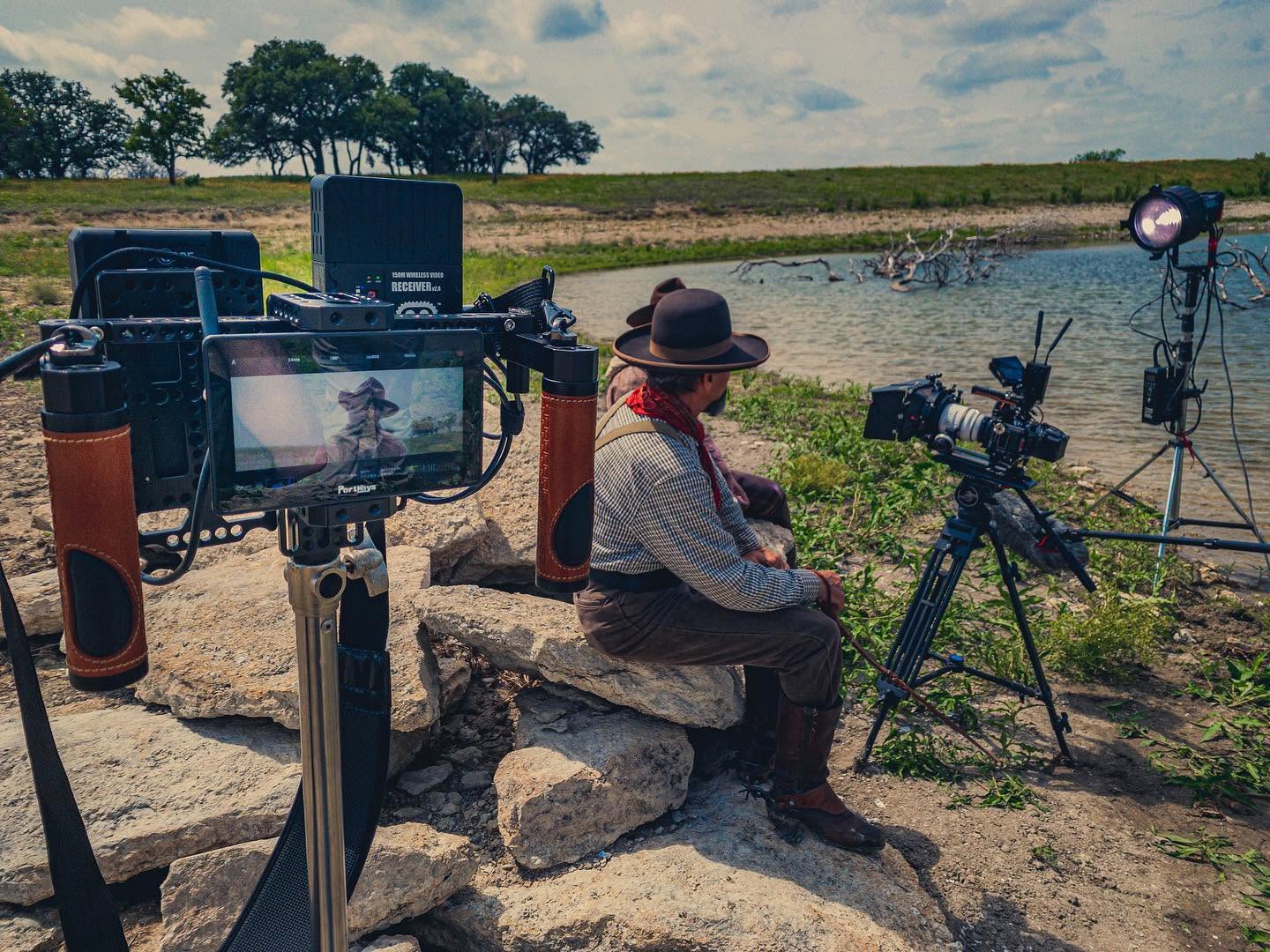
    Our third location was the gorgeous Mansion on Shary whose owners allowed us to film against the backdrop of their home and private pond.

    Lunch time! I ate tacos. Then, I ate tacos the others were too full to eat. Chased by Mexican Coke in a glass damn bottle.

    Fourth location was the Sharyland Water Supply main office where Ivette recorded her outtro (and had slight difficulty saying “rural”.

    After Ivette wrapped, the rest of us headed back to Plant 3 where we captured a few shots of technicians in one of their labs.

    Besides the ~10 MPH wind and the clouds which kept playing peek-a-boo with the sun, nature was kind to us. At 8 AM crew call in McAllen temperatures started at 71°F and did not reach the nineties until we wrapped at 4:30 PM in Alton. Occasionaly passing cars would rudely honk at us throughout the day. Sometimes a plane would fly overhead on its way to McAllen-Miller International Airport, ruining takes. Otherwise, it was a pleasant and productive day.

    Here is the final video as provided by director Mario Deleon at Damaso Creative. I shot the interviews of Sherilyn Dahlberg, Lisa Helle, Roel Treviño, and Joe Guzman, plus some of the b-roll of the hard hat-wearing workers at the construction site and water plant.

  • Rio Vista Dentistry Branding Film

    Rio Vista Dentistry Branding Film

    Day 1

    December 8, 2017 – Snow day! Somehow the weather worked out perfectly for snow in subtropical south Texas. Perfect for anyone who has yearned to build a snowman on the beach, but not perfect when I am supposed to be shooting evergreen exterior footage of the Allure Dental office in Harlingen, Texas.

    Today I photographed stills images of the doctors and staff at Rio Vista Dentistry to populate their upcoming newly designed website. Portraits were shot of all key staff members, as well as a few groups for Christmas cards.

    I then began video recording of b-roll footage of the doctors and staff at work for a branding film I will produce to coincide with their new website. As I shot 4K video footage with my DVX200, I would then simply stop the action and capture stills photos with my 6D. This way both the photos and the videos would have a similar look: same lighting, same angles, same fields of view.

    Once I wrapped the staff, I walked the office with Mavic Pro (which I intended to record jib-like exterior shots but was outgunned by Nature) and recorded Steadicam-like flying shots of the office interiors using Mavic’s gimbaled 4K camera.

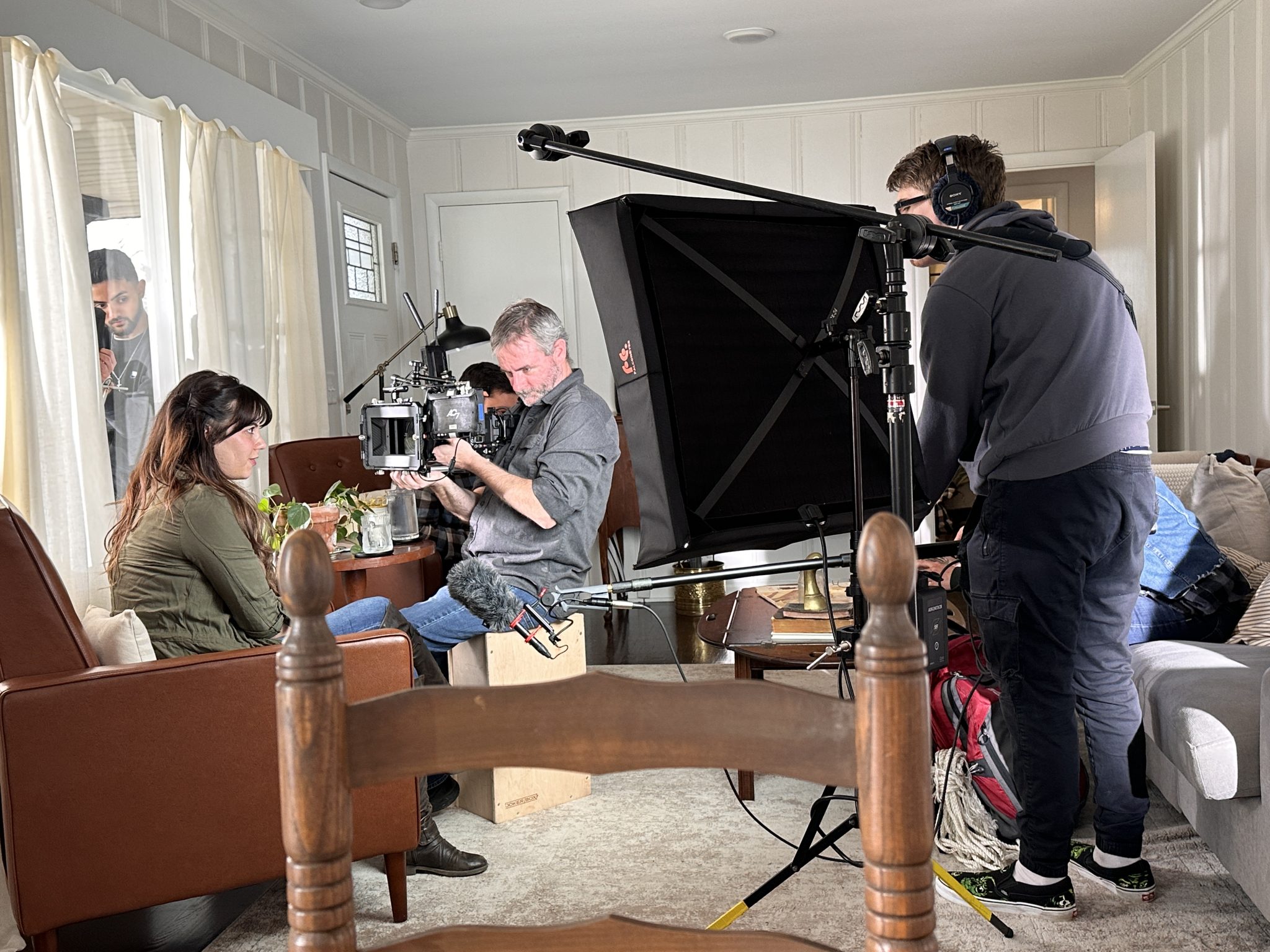
    After breaking for lunch, we returned to the office to capture patient testimonials. It’s difficult as a solo shooter without assistance running an interview whilst also being aware of the camera, sound, and lights. But, I managed to get it all done on time and on budget. Everything went smoothly, the doctors were impressed and I was gifted a bottle of red wine. The doctors interviews and exteriors will need to wait for another day.

    Day 2

    January 19, 2018 – Early this morning we continued production of the branding film as I was scheduled to interview doctors Bonnie and James. As always I generally prefer to travel light when in one-man-production mode. I trollied my DVX200, three Dracast 1×1 LED light kits, audio gear, tripod systems, and light stands, in just a few bags. Each interview lasted about 45 minutes. I still need to grab exterior shots and a few shots of the lobbies and other area of the office with exterior views, weather permitting.

    Day 3

    February 6 – Today the weather finally cooperated and we were able to continue production of the branding film. This is the first project I was able to use my new Sony PXW-FS7 Mark II on as I just purchased it in Austin three days before. I was finally able to fly my Mavic Pro before the office opened after lunch to grab some lovely jib-like exterior shots. Also, I shot redux portraits of doctor Bonnie.

    Once the film is completed it will become available to the web developers who will place it on the new website for its launch.

    Delivery

    February 20 – Finally delivered! Assembled and finished in Final Cut Pro X, the film is a brief tour of the office and overview of their services, peppered with patient testimonials, as well as informative monologues by the doctors, all tied together with succinct narration. Told with minimal effects or graphic embellishments, and some lovely dramatized footage of the staff in action, the delivered branding film for Rio Vista Dentistry is just shy of five minutes in total duration.

    Rio Vista Dentistry loved the final film and approved it with zero feedback or revisions.

  • What’s Inside the South Texas ISD TV Spots

    What’s Inside the South Texas ISD TV Spots

    A total of 28 video advertisements, 14 radio ads, 7 audio interviews, portrait photography, coordination of an entire magnet school district spread across 3 counties along the Rio Grande Valley of south Texas, with English and Spanish deliverables, running on broadcast television, and select Cinemark movie theaters. All tying in to a single website: insideSTISD.com. Another epic project I produced, wrote, and directed in collaboration with South Texas ISD.

  • Siempre Natural

    Siempre Natural

    Earlier this year I was asked by Jerry Medina, principle of advertising agency Aviso Media Group, to photograph a new campaign of television commercials for Siempre Natural, a quick-service restaurant franchise, in Mexico and Texas, with a menu they describe as ‘American with a Mexican Flair’. Siempre Natural serves wraps, pitas, yogurts and salads with natural fruit drinks. To promote the healthy (and tasty) brand, the new spots would need to be as colorful, fresh, and fun, as their food. After discussing the desired style of the spots with Jerry, we began prep. It was decided we would need at least three bilingual employees, plus 15-20 extras.

    This past Friday evening, I met with Jerry and representatives of the client at the North 10th location in McAllen, Texas. We discussed our intentions for the weekend shoot and formulated our plans. I scouted the location with my iPhone 7 Plus, Cadrage, a director’s finder app, Cine Meter II, a light meter app, and Sky Guide, an app very useful for predicting the travel of our sun. Cadrage, a French word meaning ‘framing’, is very useful as it can emulate the field of view of any combination of camera and lens. Once the pre-viz images have been recorded, a PDF shot list can be created and emailed to anyone on the production team. Production would commence Saturday morning from 7 to 11 AM, and Sunday morning 9 AM to 12 noon.

    When I arrived Saturday morning, I ordered the front, Eastward-facing windows and glass door, covered in black muslin to avoid fighting color temperatures and morning shadows. Unhappy with the weak punch and short throw of my available LED lights, I had recently created an old-school tungsten light kit for use on an upcoming short film. Consisting of three Strand Ianiro 1000 ‘redheads’, as well as the Strand version of what Arri calls a ‘mini flood’, I immediately put the new-to-me kit to use on the production of these TV spots.

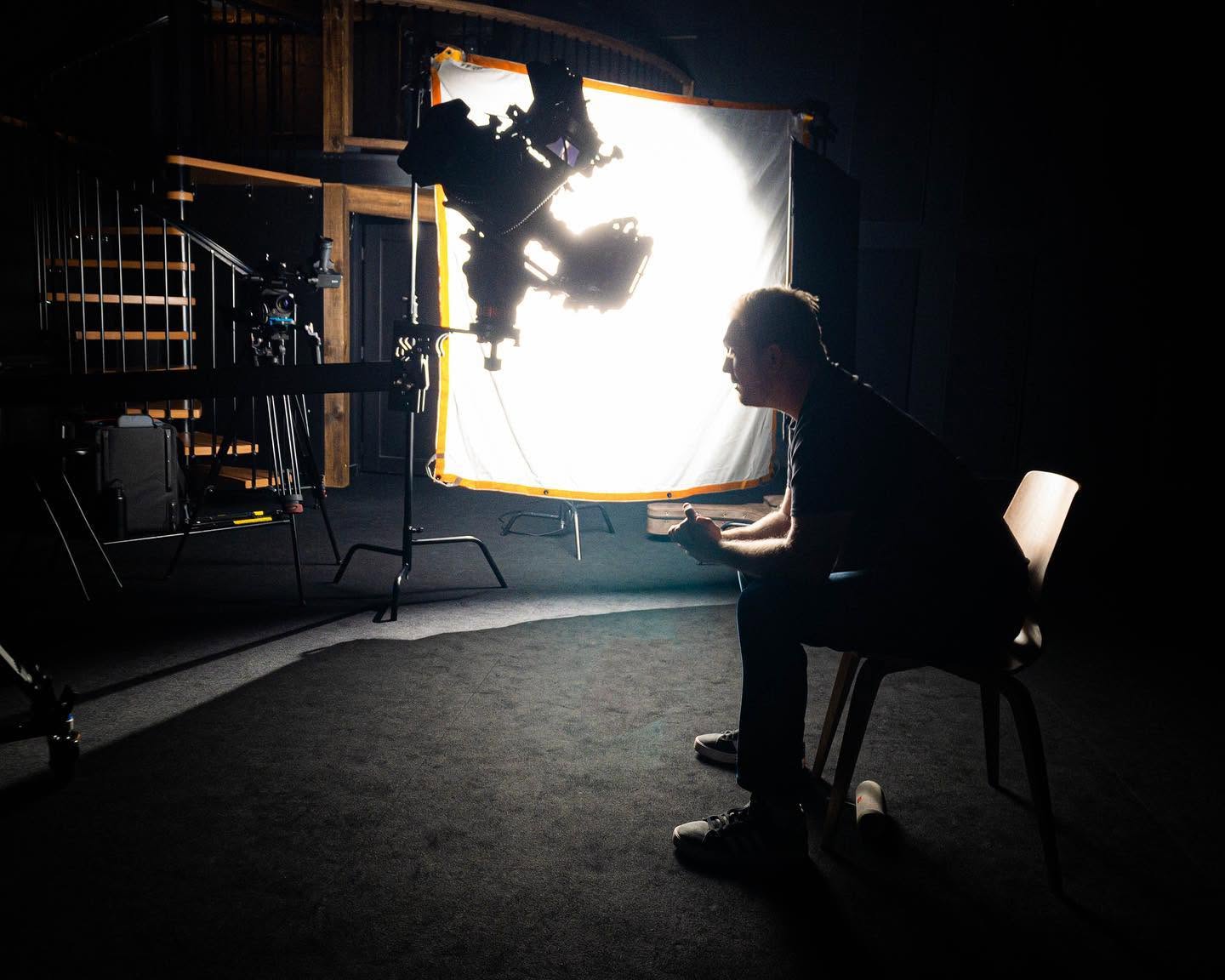
    The Ianiro redheads are proper 1k tungsten open-face focus-flood lights and need to be softened for flattering closeups. I would generally punch two redheads through a 6×6″ butterfly of artificial silk. On closeups and direct-to-camera standups I would use a small, bi-color, LED Obie light set at 3200º Kelvin with just enough punch to lighten up the shadows. Backgrounds would be lit with the mini flood, plus another redhead through 216 for a kicker.

    I opted to shoot the footage with my Panasonic AG-DVX200 video camera. Needing at least 1080/24p ProRes 422 10-bit to pull a grade from the camera’s Varicam V-log L and 10-bit 4:2:2 output, I recorded the footage externally to my Atomos Ninja Blade, and monitored the footage with my SmallHD AC7-SDI on-camera field monitor. Preferring physical filtration, I used DVX200’s built-in neutral density for exposure, plus a Tiffen Black Pro-Mist 1/2 to take the digital edge off.

    We did not have the time we needed to sweeten every shot as much as I would have enjoyed, but I think the photography is dynamic and colorful enough to squelch any nags. Also, I believe the 12 stops of dynamic range afforded by the DVX200’s V-log L, as well as the 10-bit 4:2:2 recording via the Atomos Ninja Blade, help by giving me plenty of room to grade the footage reasonably well in post.

    The spots will be cut and graded in Final Cut Pro X. Overall, I am happy with how they are turning out.

  • “The Asylum” Spec Trailer with DVX200

    “The Asylum” Spec Trailer with DVX200

    A Quick and Dirty Field Review of DVX200

    This past weekend I was invited to shoot a spec teaser trailer for a proposed horror film tentatively titled “The Asylum” written and directed by first-timer Israel Ybarra. The shoot would span two consecutive evenings: Friday and Saturday on location in the little Texas town of San Juan. The first day would be filming in and around the abandoned San Juan Hotel on Business 83 constituting all the scary scenes. The second day would consist of the setup: some exposition-serving drama at a house party before the fun begins. I decided to use my Panasonic AG-DVX200 video camera for this project as I hadn’t seen it used for anything cinematic online, to date.

    The way I understand the camera, as far as Panasonic is concerned, the DVX200 can be configured to be a GH4 with more sensible motion picture camera ergonomics and usability, plus the speed of a fixed lens. I also knew that place would be dirty and I didn’t want to have to change lenses and worry about potentially damaging my clunkier, more expensive film gear for what is basically a “for fun” project. Despite the filthy conditions of the dilapidated building and the location’s ~90º F temperature (at night!), the DVX200 performed precisely as expected. Depending on the complexity of the scenes I would use anywhere between one and five small LED lights.

    HD and Variable Frame Rates

    I decided to shoot this project in 1080/23.97p 200 Mbps ALL-I Full HD (FHD) because after speaking with the director I knew I would need to do some undercranking (fast motion) and overcranking (slow motion). The DVX200’s Variable Frame Rate (VFR) mode gives me a wide range of choice from 2-120fps, but not above 1080p. I knew that DVX200 resorts to a sensor crop at frame rates higher than 96fps, which was too slow, anyway, so I kept the highest overcrank at 60fps. Going over the dailies later, this would wind up being a re-time of 150% on the editing timeline when ramping. I overcranked a reaction shot of a woman finding her boyfriend being attacked. I also undercranked on another attack at 20fps to give the scene more voracity.

    Undercranking and overcranking, by the way, are terms carried over from film. It basically means that, in a 24fps environment, when you undercrank or allow the film to travel through the camera slower than 24fps then play it back at 24fps the action moves faster since it takes less frames for a normal action to be captured and thus the movement is exaggerated. Inversely, overcranking is to allow the film to travel faster through the camera, then when played back at 24fps the action is slowed down. Subtly under or overcranking film can have a huge effect on an audiences perception of a scene. Because the film travels at different speeds than what it was rated for, you must increase your exposure for overcranking or decrease it for undercranking. Shooting a scene at 60fps on a DSLR and slowing it down in post is not overcranking because the images was always intended to be 60fps in a 60fps environment. Overcranking or undercranking takes place inside the camera on the day.

    The Image and Working with V-Log L

    I have found that I enjoy working with V-Log L and DVX200’s interpretation of it. I have decided that using Scene 4, exposing and white balancing correctly, using the Natural color matrix and not going past ISO 2000 yields flat images that can be turned into some very nice-looking ones with only a little bit of love. The Varicam 35 to V709 LUT works very well in these situations and is generally a good starting point for a grade. The DVX200 internally only records to 4:2:0 8-bit at up to 200 Mbps ALL-I in FHD, so it’s a little better than shooting with a nice DSLR in terms of the digital file, but it also outputs a clean 4:2:2 10-bit image to an external device – so, you have that option. For a project with a quick turnaround that doesn’t need a lot of work because it was shot appropriately, then even an 8bit image will grade satisfactorily a lot of the time, but, again the option is there.

    Also, I have read that if you record a 4K or UHD image internally and scale it to a FHD editing timeline later, mathematically the image magically transforms from a 4:2:0 8-bit image to a 4:2:2 10-bit one. Regardless, it’s best to use an external recorder; Barry Green will back me up on that.

    DVX200 ghosting artifacts due to NR prior to firmware version 1.81.

    I had recently updated the firmware to version 1.81 which adds the Noise Reduction (NR) Control Function which eliminates the terrible ghosting artifacts most noticeable in shadow areas of high contrast images, but in favor of more noise. More on noise later. But, speaking of firmware, I will briefly go over the update milestones that are most meaningful to me. By the time I purchased my DVX200 in May this year there were already no less than three updates that resonated with me.

    First, v1.25 in November 2015 improved 4K and UHD modes by adding Fast Scan Mode which reduces the camera’s 4/3″ CMOS sensor’s rolling shutter artifacts (jello effect), made the shadow areas cleaner by reducing black dot noise and also cleaned up highlights by making overexposed areas roll off into white instead of yellow.

    Next, firmware v1.51 in March 2016 added the Natural color tone reproduction setting and reduced noise in black-colored areas in FHD.
    Lastly, the v1.65 update in April improved gradation in log, fixed the camera so it would remember your gain setting after a reboot, as well as adding Extended Sensitivity mode which introduced the concept of negative gain to the camera, granting up to -6dB gain and effectively dropping the noise floor about 2 stops. This results in cleaner images south of the base ISO of 500. This brings me to today and the most recent 1.81 update.

    Screengrab of a boxing match I shot with my DVX200.

    The noise of the camera from ISO 2000 and below, I have found, is well done and not the smudgy mess generally found in video cameras. The noise appears filmic at times; especially between the camera’s base ISO rating of 500 and the least sensitive rating of ISO 250 where, I believe, it is actually quite pleasing. For this project, I wound up shooting between 500 and 1000 ISO.

    Clarity of the image, particularly at the slower ISO ratings, was generally sharp and well-defined. I don’t like my images to be excessively sharp in a digital way, rather I prefer to light with a lot of contrast to heighten an audiences’ perception of sharpness and to nail focus like a boss. In my experience this approach gives far more “cinematic” images than increasing the sharpness setting in the camera or sharpening the image in post. I like to see noise or grain when it’s pleasing and it reminds me I’m watching a movie.

    The DVX200’s 5K sensor gives the image superb overall clarity. Color reproduction, when the camera is setup properly (read: exposed and white balanced correctly), is good. Of course, depending on the Scene settings, you could be going for the generic broadcast video camera look of Scene 1, or the more GH4 “cine” look with Scene 4. Either way, I have always found skintones to be rendered well in good lighting situations. In bad situations where you can’t help but shoot under a sodium vapor street lamp, then skintones will be rendered appropriately yellow. Either way, that’s the way it looked to my eye when I saw it live, and that’s how the DVX200 records it…again, when setup properly. Summed up: DVX200 does a good job of reproducing colors, particularly skintones, in the way I remember seeing them with my eyes in various lighting conditions.

    The Body

    I use my DVX200 naked with the big battery and a good-sized shotgun with deadcat hand-held with OIS all the time, for hours and hours. The camera is well-balanced and a joy to use.

    My DVX200 on set of The Asylum spec trailer. That’s an LED topper, or an “Obie” as we like to call them here in the USA, for subtle fill light.

    The size and weight actually make it easier to handle than HVX200 or DVX100 (or other similar types of camcorders). It might help that I’m used to full-size ENG cameras and digital film cameras like a big, fat Red One loaded up at somewhere between 30-50lbs depending on lenses and batteries…on my shoulder or hanging from my hands. As a videographer, DVX200 has never become a burden…though even a mostly plastic camera starts to feel like it’s 2-3x heavier than it really is after several hours of shooting, but that’s why you put it down every now and then. And if you simply can’t (wedding?) the weight still hasn’t been a deal-breaker…plus, again, the size and shape of it (including the central placement of the battery compartment) means that it’s very well balanced, especially with the heavier batteries. So, I’d say that for me, the weight has not yet been a problem at all and I don’t see it ever becoming so.

    The ergonomic benefits of using a proper camcorder for video work are numerous. Gripping the handle for low-mode (or just resting the camera in the non-dominant hand) is a joy. The buttons and switches are intuitively places on the smart side, plus extra ones on the dumb side. Having the ability to assign nearly any function you could need to the User Switch buttons potentially makes the DVX200 an efficient camera to operate.

    Also, I sometimes forget the camera’s LCD flip-out monitor is also a touchscreen and I like that the menu system isn’t too difficult to navigate (DVX200 is just as much a computer as it is a camera) and setting it up for shooting doesn’t take long at all. SD card slot placement is fine, plus the manual audio controls are right where they should be.

    The rear viewfinder is extremely helpful in bright shooting conditions. I learned that pointing the EVF upward keeps the sensor from turning off the LCD accidentally. However, you are able to switch to EVF or LCD (or auto) so this phenomenon doesn’t happen at all unless you want it to. Also, because I’m old school I set up the EVF to show only grayscale.

    As far as batteries are concerned, the included VW-VBD58 will last a conservative shooter over 3 hours of juice. I also have the AG-VBR59 which has a similar run-time, plus the bigger AG-VBR118G which, honestly, has lasted me an entire shoot day without complaint on more than one occasion.

    I have found the camera never seems to overheat, even in the hot Texas sun.

    The Lens

    The affixed 13x Leica 12.8-67mm lens on the 4/3″ sensor has various focal lengths depending on what mode you’re in, but basically it’s about a ~29-370mm in 135 terms. It does have a digital zoom which uses the 5K sensor in FHD to perform the punch in. Also, un 4K/UHD the Optical Image Stabilizer (OIS) further uses the extra pixels to work. The lens is not parfocal, but it does some magic that gives the impression of a parfocal lens, though you can hear the mechanical elements shift inside the body (no worries) and you can see the camera try to catch up when performing snap zooms. It hasn’t been a problem yet and I don’t forsee it becoming one, but it is something I noticed.

    The lens is rated at f/2.8 at the wide end and ramps to an acceptable f/4.5 somewhere in the middle of the zoom range. The depth of field is quite negotiable in terms of nailing follow focus. I have found that DVX200 has a pleasing depth of field and can appear quite cinematic at times. Flaring and other optical artifacts are controlled well. OIS is a joy in general as it makes a static handheld shot look like the camera is on a tripod, or it at least gives traveling shots the steadier look of a full-size ENG camera. The included lens hood has a mechanical barn door system that protects the front of the lens without fear of one day losing a lens cap.

    Final Thoughts

    In conclusion, the Panasonic AG-DVX200 is a great little camera that certainly has the capability to play alongside real cinema cameras in a lot of ways. The image quality is quite good and the ergonomics of the camera make it far more enjoyable to use than having to rig out a DSLR. Or, it certainly saves your back from having to deal with a 40lb cinema camera. I think the camera is a great solution for low-budget productions needing the look of a GH4 but don’t want to deal with it’s ergonomics in the field. But, don’t get your hopes up: if you need raw processing or for the camera to see in the dark because you don’t (or can’t) light what you’re shooting, then DVX200 might not be for you. But, at the end of that weekend shoot, the director and producer were very happy with the dailies straight from the camera. Once I see the trailer has posted I will post it here and possibly add BTS photos and stills.

  • DREAM for Edcouch-Elsa ISD School Board Candidate Films

    DREAM for Edcouch-Elsa ISD School Board Candidate Films

    From July 16 and 22, 2016, I produced “meet the candidate” films for the Delta Revitalization Engagement & Action Movement (DREAM) campaigners for Edcouch-Elsa Independent School District (EEISD) school board membership. A film each was produced for candidates Carolina Saenz, Reynaldo Rodriguez, and Jose Saldivar. Photographed with my new Panasonic DVX200 in Vlog-L, and cut in Final Cut Pro X.

    Cinematography Selects

    Behind the Scenes

  • Gaffing a Church Promo Video Shoot

    Gaffing a Church Promo Video Shoot

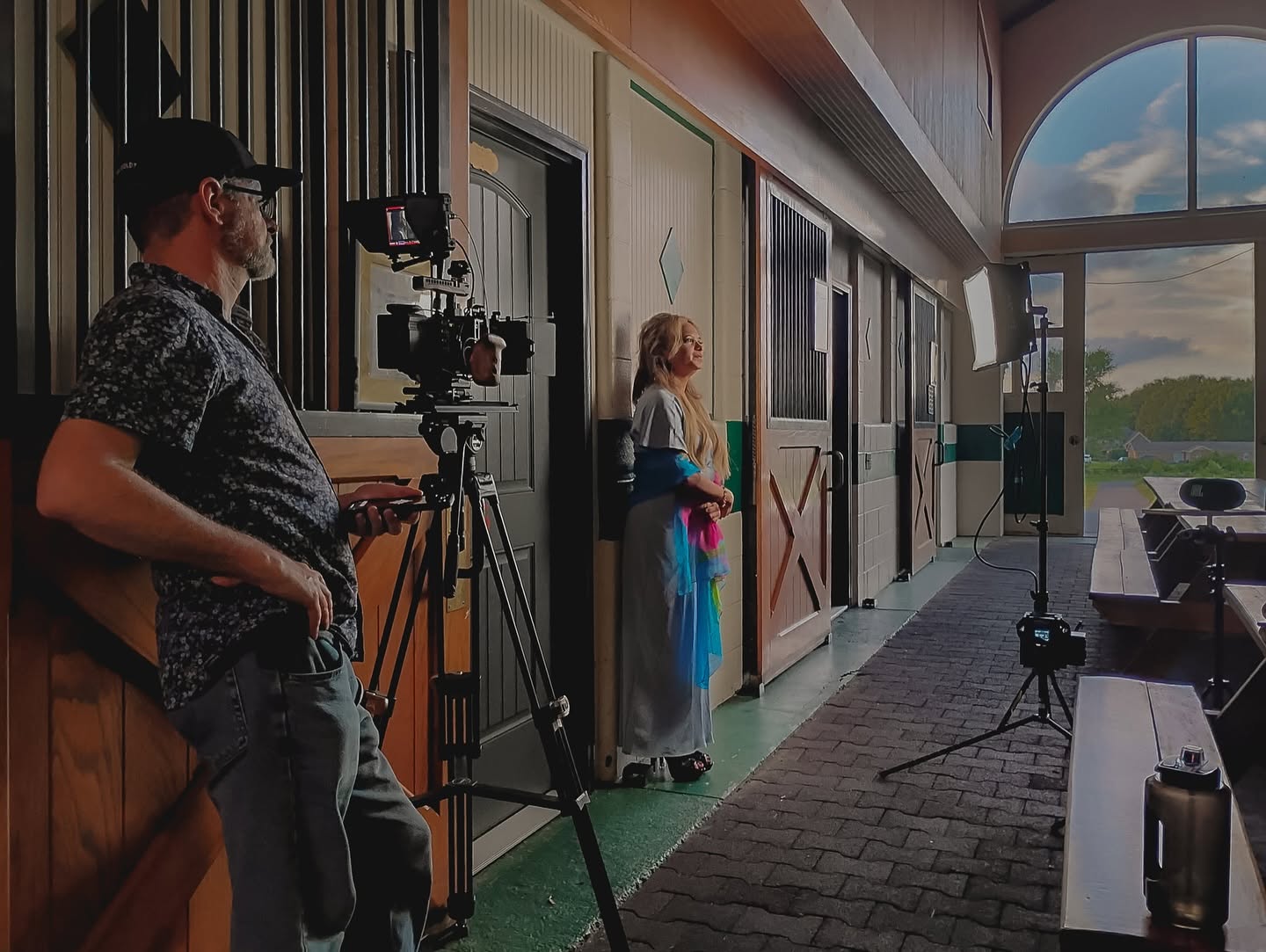
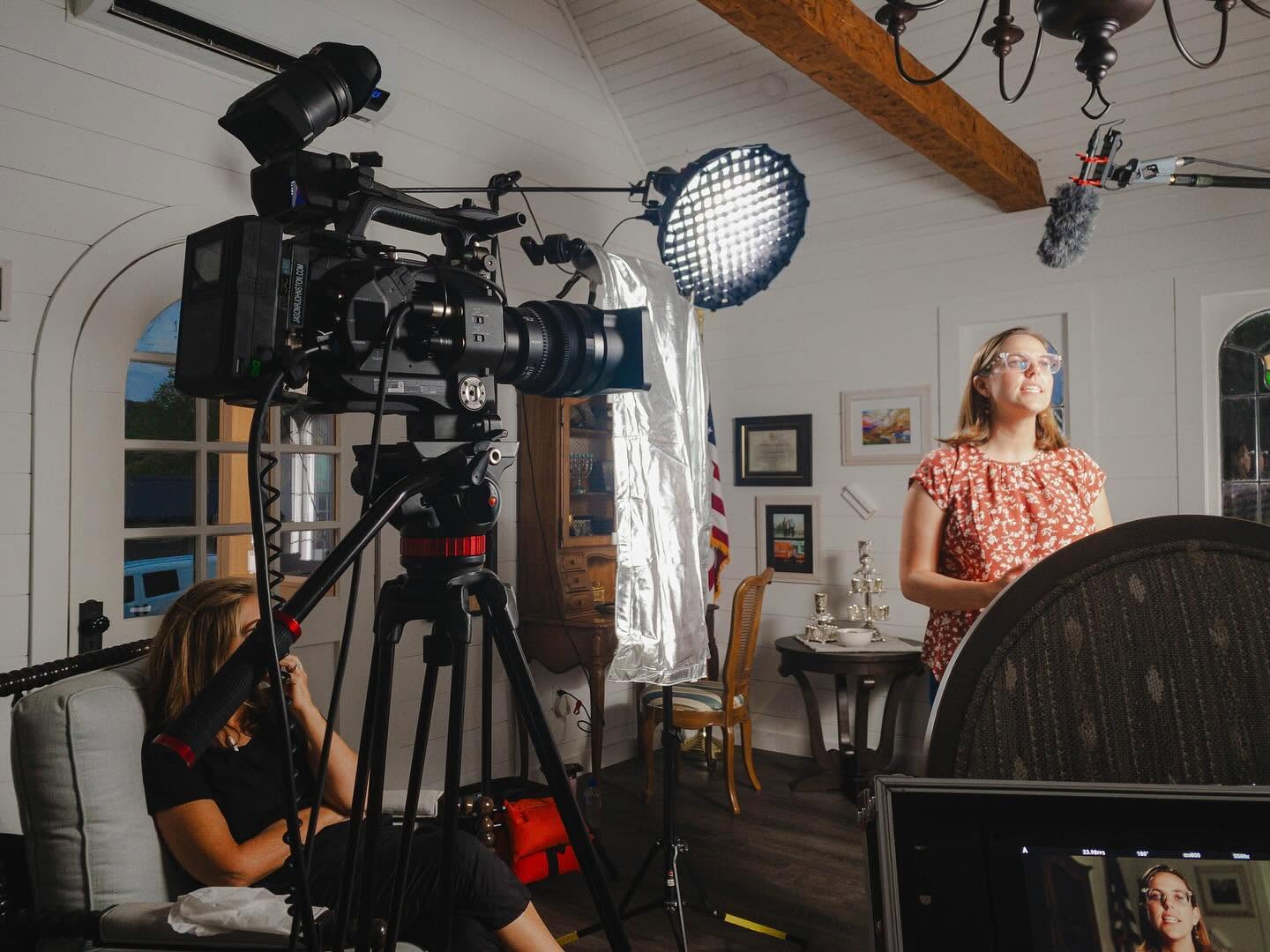
    Yesterday evening I was gaffer/AD/grip for my friend Elyssa who was tasked to shoot a promo video for her church at a historic location in San Benito. We only had about two hours to shoot so I needed to keep my light kit small, fast and economical. I opted to pack my LED lights which are three Yongnuo YN-600L fixtures with AC packs and Matthews reverse light stands. The lights pack up easily in a medium-size laptop briefcase and the stands are easily slung under an arm.

    The house where we were shooting had halogen light fixtures in the interiors and large windows letting in overcast sunlight. The bi-color nature of the lights allowed us to adjust and experiment with the best combination of color temperatures quickly without need of color correction gels. I only used a bit of 1/4 diffusion.

    Notice also that the lights are not too powerful so I like to mount two of them together on a light stand. Usually I use a single umbrella but those are always too bulky and, again, I needed to move fast and not bang into anything priceless.

    The Yongnuos come with an adapter for two Sony NP-F series batteries, each powers a bank of either the 5500 K or 3200 K LEDs. I don’t have any of these batteries as of this writing so I can’t comment on this aspect of the lights, though I hear they are less bright with the batteries and last about an hour on full brightness, but I’m sure this depends on the battery and I would of course get the biggest, most powerful ones. I think the NP-F975 is the one for me, multiplied by six, obviously. Regardless, using the lights tethered to the wall outlets is about as easy/frustrating as working with any AC-powered light.

    However, these are LEDs and so are more efficient than an incandescent equivalent; using only about 10% of the wattage an incandescent source would require. With both sets of diodes at full brightness, the Yongnuos each seem to have the output of a 500w open face incandescent fixture at 6 feet from the subject. I don’t like the light quality of a naked LED source, so I use a lot of diffusion which drops the light output considerably. With 1/2 artificial silk at 2 feet I get the same exposure as I would an Arri 1K fresnel, full flood at 6′ with the same diffusion. And the color temperature with this configuration is maybe around 4000 K. Again, I double or triple-up these guys for more output, and that’s still less expensive than a single unit that has that combined output. You would need more rigging and grip gear, though.

    One of my concerns, however, is the automatic fan on the light unit. It’s very noisy and comes on whenever it wants, despite the fixtures don’t seem to be hot enough to warrant the fan, but then I’m not deep inside ghe fixture maybe the parts are cheap and prone to melting easily? No idea. What I do know is that the lights are not very bright, digital cameras love light and you need to get a diffused small LED fixture very close to your subject for wrap-around light and proper exposure. This is fine for an MOS project like this promo. But, for an interview? You’re screwed. My solution is, again, to combine two or three of these lights together behind a single area of diffusion (like an umbrella or frame of artificial silk) and, to get the fans to stay off, run the lights’ output at no more than 50% for each bank of diodes.

    At the end, we spent a bit more than the time we were allowed, but we finished shooting and the client seemed pleased with everything. Elyssa will also edit the video for the church. She’s young and has come along way from when we met on Oz. I look forward to working with her again.

    BTS photos taken with my trusty iPhone 6 and the VSCOcam app. Speaking of VSCOcam: I just bought the rest of their preset collections as I’ve been very impressed with their products thus far. The presets are fun, but I do respect the level of customization the app gives you to go further beyond the presets (which I use like single-node LUTs) and, of course, the manual camera. All of these BTS shots are snapped with the standard iPhone 6 Camera app and then graded in VSCOcam. Camera is fast, but not reliable and the presets and customization options are not very good for someone like me.

  • Bert Ogden TV Spots Filmed with Blackmagic Cinema Camera 2.5K EF

    Bert Ogden TV Spots Filmed with Blackmagic Cinema Camera 2.5K EF

    The Bert Ogden family of auto dealerships hired me to shoot footage of all their lots across south Texas for some upcoming television spots. In the finished spot [no longer available] I did the lot shots, building exteriors, the shots of the cars flopping around on the lot and the running footage of the blue truck. It took three days to shoot all eleven dealerships. Thanks to Marsha Green, Cesar Castillo and Pete Salas of the Bert Ogden marketing department.

    BMCC on-location at Bert Ogden Nissan.
    Me and Pete, editor.
    Marsha directs.
    Producer Cesar’s truck converted into a temporary camera car.
    The flag over Bert Ogden Nissan.
    Blackmagic Cinema Camera in the bed of the camera car.
    During the shoot, Pharr PD pulled over someone who parked behind the camera car and blocked us in, holding up production for a few minutes. But we were waiting for a picture car to be washed so, it worked out.
    Later that day I was shooting footage at their BMW dealership. This is the view through the SmallHD AC7. Note the reflection of my iPhone 6 in its Otterbox.
    The next day I was shooting their Chevy dealership when I cut myself on a screw sticking out of my car door from a missing panel as I tried to close it. That’s tissue paper and a velcro cable tie holding me together.
    BMCC on-location at Bert Ogden Chevy.